Monitor
Workflow Monitor Overview
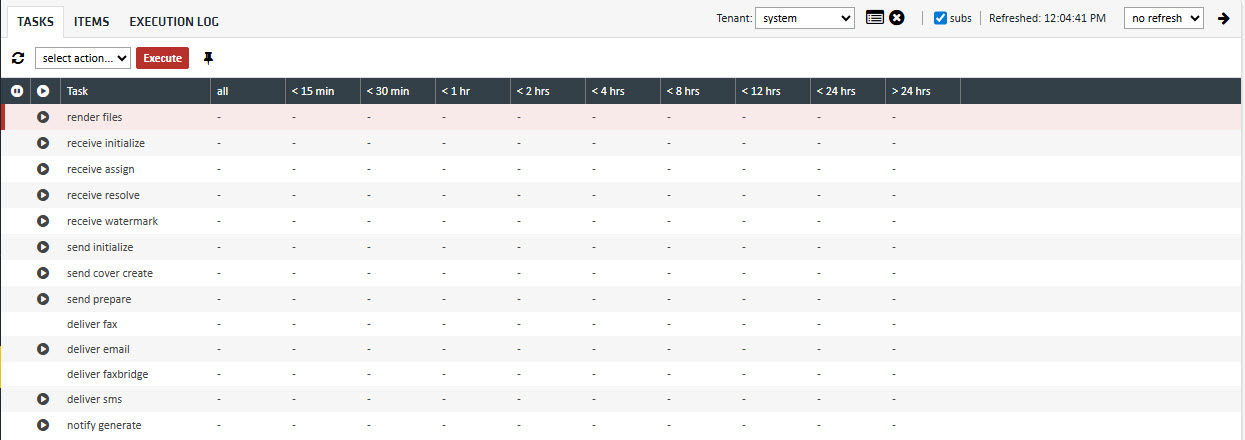
The Workflow Monitor provides visibility into fax transactions as they move through various stages of processing. It includes three main tabs:
1. Tasks Tab
- Displays the number of fax transactions at each stage of the workflow until completion.
- Important: If any transactions remain in processing for more than 8 hours, contact Axacore Support for assistance.
2. Items Tab
- Shows the current status of document transmission after a file has been uploaded.
- Allows you to track progress and confirm successful delivery.
3. Execution Log Tab
- To access this tab:
- Select any item from the Items list.
- Click the Process Select button.
- The Execution Log tab displays the current status of the process, including:
- Detailed steps executed.
- Timestamps for each action.
- Any errors or warnings encountered during processing.