Forward a Fax
Forward a Fax
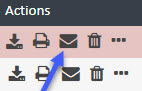
- From the Actions column, click the forward icon
- You can forward the fax to an email address or another fax number. The dialog defaults to EMAIL
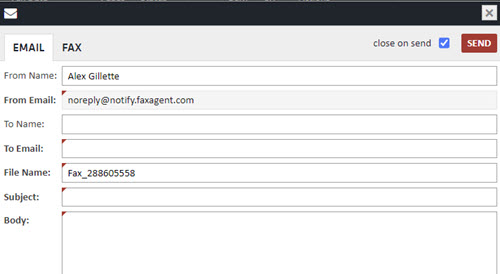
- Fill out all required information (boxes with the red triangle in the corner) then click send. Your fax is forwarded via email
- To forward as a fax, choose the FAX tab from the dialog above
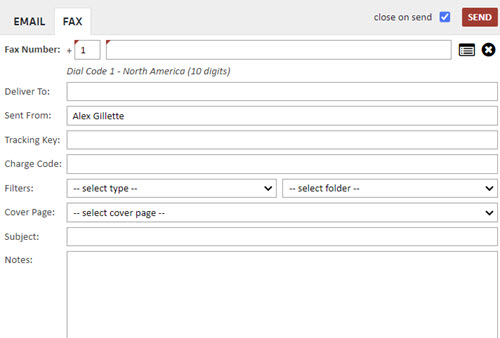
- Enter all of the relevant information and click SEND. Your fax is forwarded to that fax number