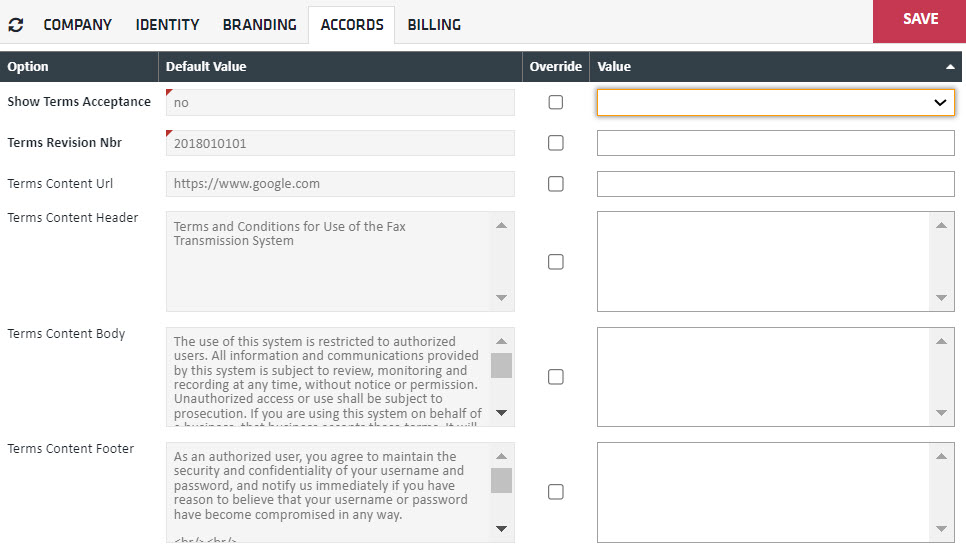
Accords
The Accords section adds additional security/liability when logging in to the system. If you show the terms and conditions option in the logon screen, users must click the box to verify they understand the terms and conditions before they can log in. They can click the Terms and Conditions link in red to view them. The text for the terms and conditions below will replace the text on the logon screen.
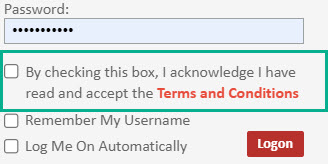
To show your specific terms and conditions, set the override value on the "Show Terms Acceptance" field to yes then change the specific information on the content header, body and footer. Click SAVE when you are done.