Download and Print a Fax
Downloading a Fax
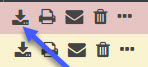
- From the Actions column, click the download icon
- From the dialog that appears, choose from the following download options
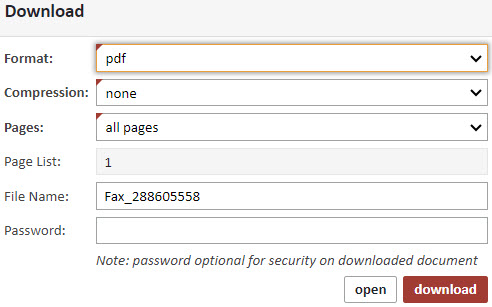
Option Description Format PDF or TIF Compression Either "none" or "zip" Pages Choose "all pages" or "specified page list" Page List If "specified page list" choose the specific pages File Name Choose a name for the file. If you choose zip as the compresion type, this will be the name of the zip file Password Choose a password for the file. If you choose zip as the compresion type, the password will be for the file, not the zip file. - Click download. Your file is downloaded
Printing a Fax
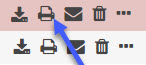
- From the Actions column, click the print icon
- The .pdf print preview opens. Click the print icon at the upper righrt
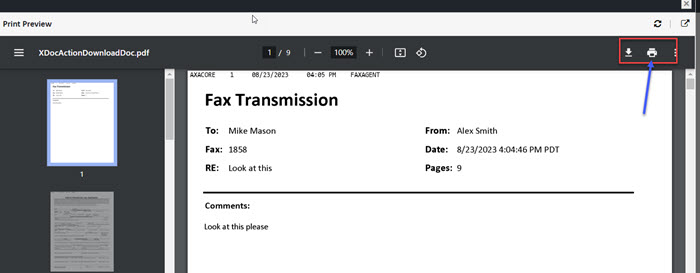
- This will open up the print dialog. Choose your printer and click Print. Your document is printed