Password
Password
This section is where you can update your password. To update your password:
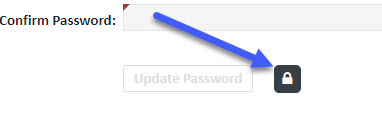
- Click the "Unlock Password" icon
- Enter your old password, new password, and the confirmation of your new password in the appropriate boxes. Click UPDATE PASSWORD.
Note: Please see the password requirements on the screen shot below.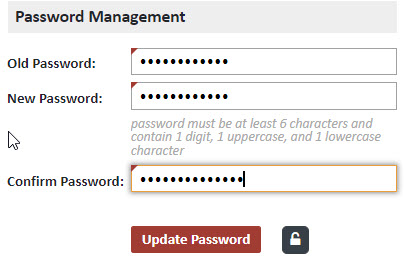
- Your password is saved